
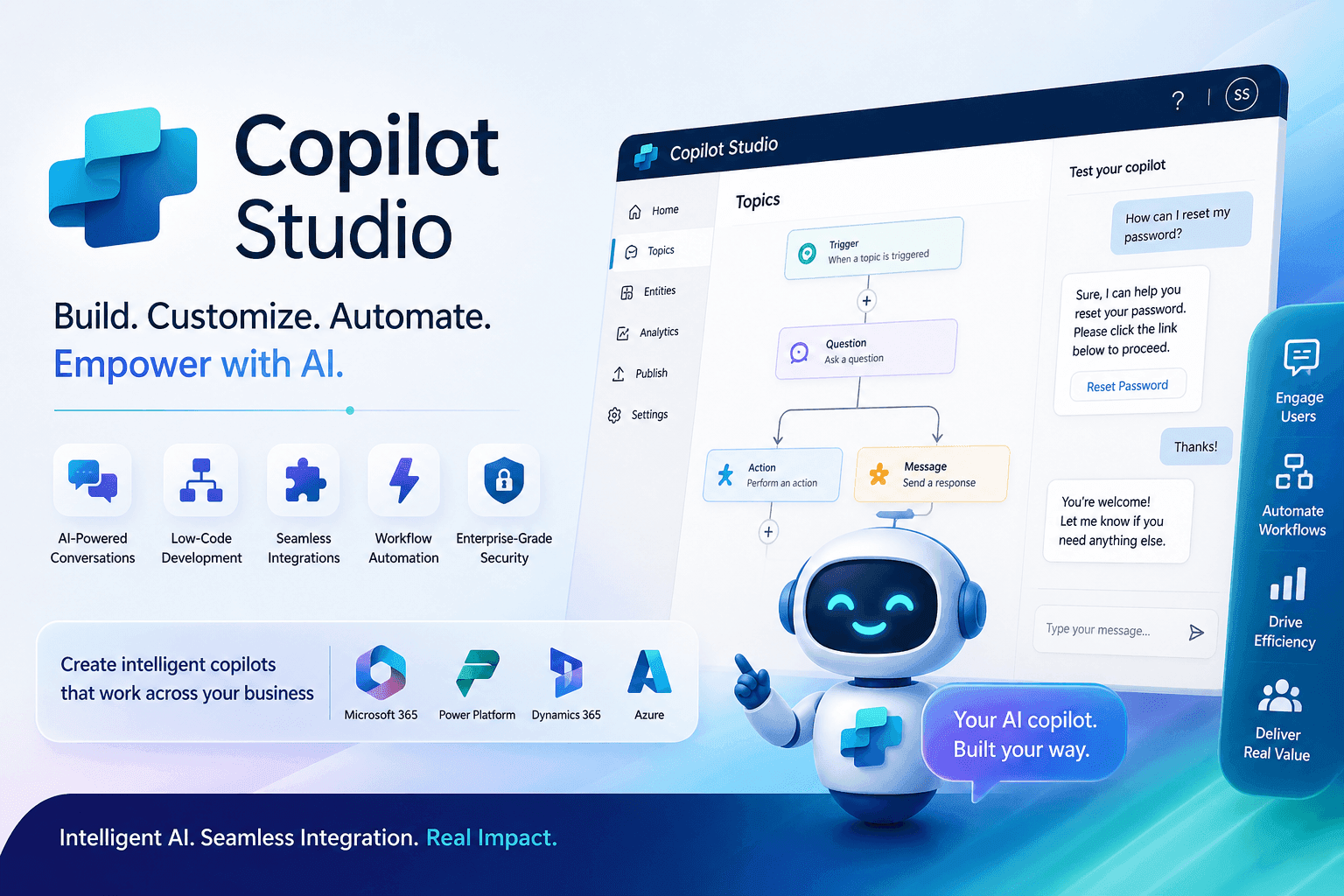
What Copilot Studio Is
Copilot Studio is a low-code platform in the Microsoft ecosystem that allows organizations to design, build, and manage AI-powered copilots. These copilots can interact with users, automate tasks, and deliver intelligent responses based on business context and enterprise data.
Why It Matters for Business Teams
As AI adoption grows, organizations need more than generic assistants. They need copilots that reflect their processes, systems, and policies. Copilot Studio helps teams extend Microsoft Copilot with tailored behavior, workflow integration, and real-time business relevance.
- Customize AI behavior for specific business needs
- Connect copilots to enterprise data sources
- Automate workflows and repetitive tasks
- Provide contextual assistance to employees and customers
Low-Code AI Development
One of the biggest advantages of Copilot Studio is accessibility. Business users and technical teams can create AI experiences without relying on deep custom development for every scenario. That shortens delivery time and expands who can participate in automation initiatives.
- Design conversational flows
- Define topics and triggers
- Configure responses and actions
- Deploy copilots faster across the organization
Deep Integration with the Microsoft Ecosystem
Copilot Studio becomes especially powerful because it fits naturally into the Microsoft stack. It can work alongside Microsoft 365, Power Platform, Dynamics 365, and Azure services to bring live data and process execution into the conversation experience.
- Microsoft 365 for productivity scenarios
- Power Platform for apps, data, and automation
- Dynamics 365 for operational and customer processes
- Azure services for advanced integration and extensibility
AI-Powered Conversations That Feel Useful
A strong copilot should do more than answer simple questions. Copilot Studio supports natural interactions that can understand intent, handle multi-step requests, and deliver relevant responses using business context. That makes the experience more helpful and more engaging for users.
- Understand user intent
- Handle more complex queries
- Provide contextual responses
- Improve interactions over time
Automation and Workflow Execution
Copilot Studio is particularly valuable when paired with Power Automate. Together, they allow copilots to move from conversation to action by triggering workflows, updating records, sending notifications, and performing repetitive steps across systems.
- Trigger workflow automation
- Update business system records
- Send alerts and notifications
- Reduce manual work across teams
Common Business Use Cases
Organizations can apply Copilot Studio across support, operations, and employee services where recurring questions and repeatable actions create friction.
- Customer support for common service inquiries
- IT helpdesk assistance and guided troubleshooting
- HR and employee services for onboarding and policy questions
- Finance and operations for approvals, invoice support, and real-time insights
A Practical Scenario
Imagine employees regularly raising support tickets for password resets, access requests, or policy clarifications. A copilot built with Copilot Studio can resolve many of those requests instantly, improve response time, and reduce the load on internal support teams so they can focus on higher-value work.
Security, Governance, and Scale
Enterprise AI must operate with the right controls. Copilot Studio aligns with Microsoft’s broader enterprise approach to data security, compliance, privacy, and governance, giving organizations a more reliable foundation for deploying copilots at scale.
The Long-Term Opportunity
As generative AI and Microsoft Copilot continue to evolve, Copilot Studio will play a central role in how businesses build intelligent, task-oriented assistants. The long-term value is not just automation. It is creating a more productive partnership between people, systems, and AI.